Services Windows desktop app development
Windows app development
Desktop software built around how your team works.
I build Windows desktop apps for teams that have outgrown spreadsheets or an off-the-shelf tool: in C#, C++ or Electron, connected to your database and the services you already use, with a signed installer and automatic updates.
Not everything belongs in a browser. When the work runs all day, handles large files, talks to hardware or has to keep going without internet, a desktop app is still the better tool.
What teams use custom Windows apps for
- Order, stock and production tools that replaced a shared spreadsheet nobody trusted anymore.
- Data entry with validation, so mistakes are caught when they’re typed and not at month’s end.
- Reports and exports to PDF, CSV and Excel in the exact format your accountant or client wants.
- Apps next to equipment and files: scanners, printers, measuring devices, folders of CAD or audio files.
- Offline work in places where the connection comes and goes.
Tape DSP: desktop software at the demanding end
Tape DSP’s audio plugins run inside music software on Windows and Mac, in C++ with a Rust engine, in the VST3, AU and LV2 formats. Real-time audio is the strictest kind of desktop software there is: the code has a few milliseconds per buffer and a glitch is audible. A business app has more room, and gets the same care.
C#, C++ or Electron?
- C# for business apps that only run on Windows: forms, data, reports. The most direct path.
- C++ when performance, real-time processing or hardware access decide the project.
- Electron when the same app has to run on Windows and Mac, or when it shares code with a web app.
Install, update, support
Every app ships with a signed installer, so Windows doesn’t warn your team about an unknown publisher, plus automatic updates and crash reports that reach me before anyone has to describe the error. The source code and the signing certificate are yours.
“Super helpful and went above and beyond.”
Related work
Live sites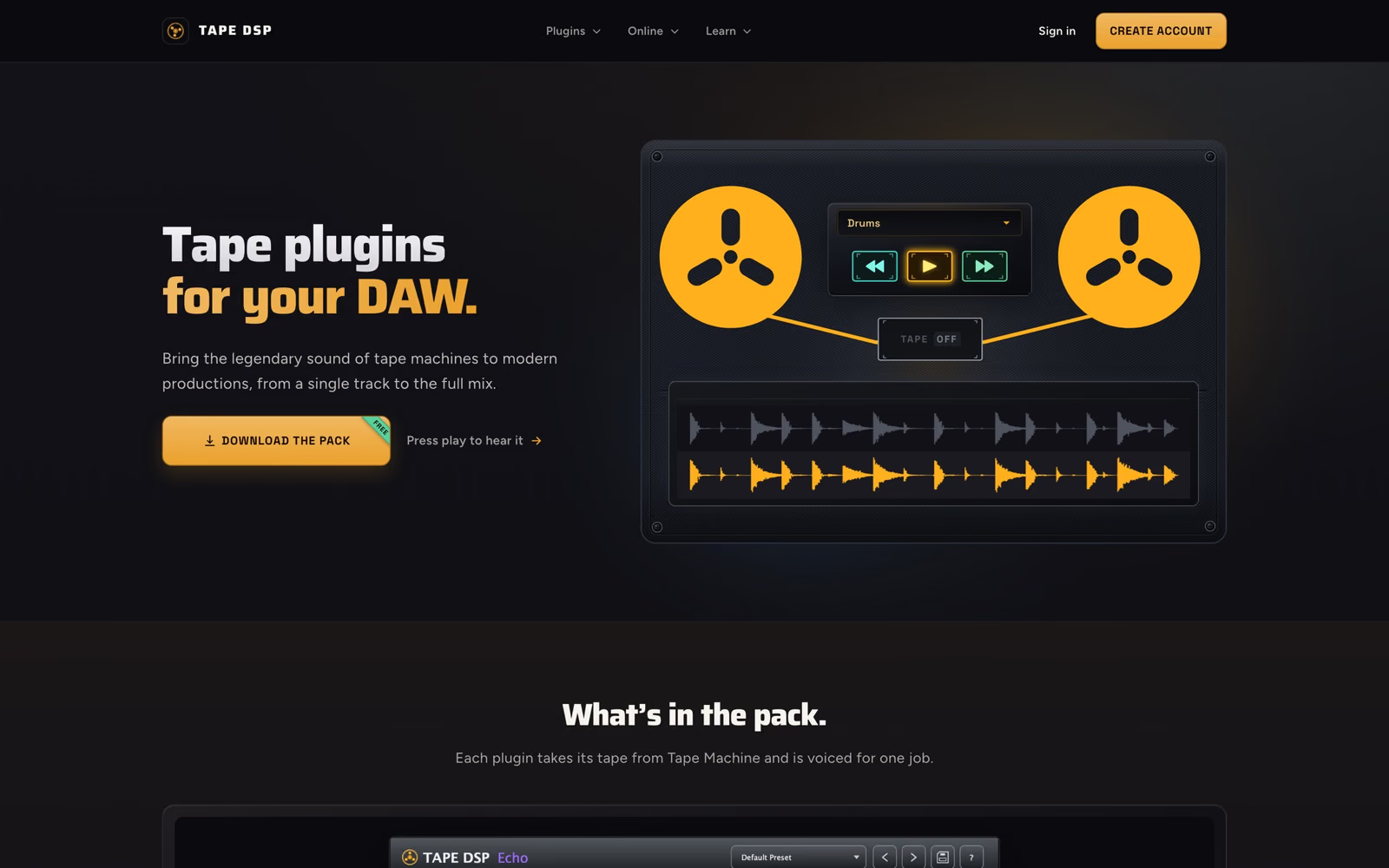
Questions I get asked
Can the app run on Mac as well?
Yes, if it is built with Electron or in C++ with a cross-platform toolkit. If Windows is the only target, C# is usually the simpler choice, and I'll say which fits on the first call.
Can the app work offline?
Yes. Data is stored locally and syncs with your server or database when the connection is back, so work doesn't stop when the internet does.
Can it connect to our existing database or ERP?
Usually yes, through the system's API or a direct database connection with read and write rules agreed upfront. I check the access before quoting.
How do updates reach our team?
Automatically. The app checks for a new version on start, downloads it in the background and installs it on the next restart, so nobody has to reinstall by hand.
Who owns the source code?
You do, together with the code-signing certificate, the build scripts and notes on how to release a new version.
Something not answered here? Ask it on the call.
Book a call